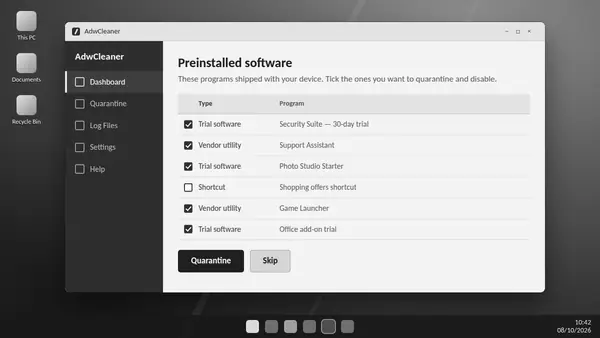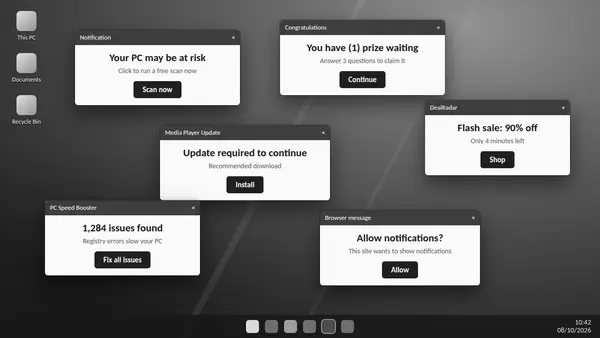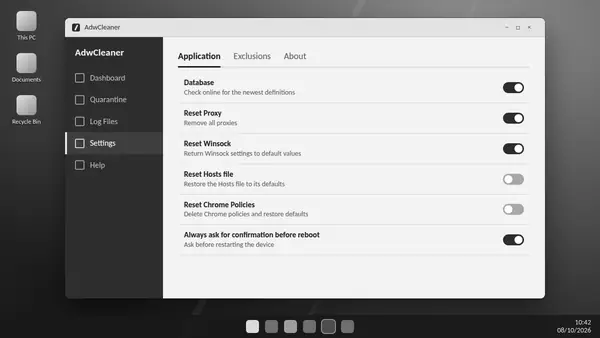
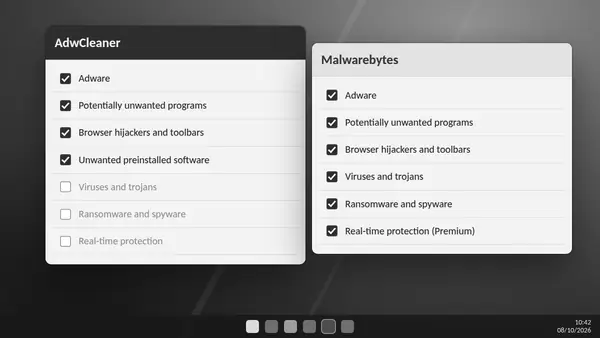
ADW Cleaner and Malwarebytes security products serve different needs. The useful comparison is between focused removal of unwanted software, broader malware scanning and continuous protection.
ADW Cleaner: focused clean-up
Malwarebytes AdwCleaner targets adware, potentially unwanted programs and browser hijackers. It is suited to investigating unwanted toolbars, search changes and bundled software. The standalone utility runs on demand and does not provide real-time antivirus protection.
Malwarebytes Free: broader scanning
Malwarebytes describes its free scanner as covering more threat categories, including viruses, trojans and ransomware. Broader detection does not mean it can undo every consequence of an infection, such as encrypted files or stolen credentials.
Premium protection: ongoing monitoring
Paid Malwarebytes security plans add preventive protection. Features and availability vary by platform and plan, so compare the publisher's current product details before choosing a subscription.
Match the tool to the symptoms
- Unwanted search changes and advertising: investigate with an ADW Cleaner scan.
- Suspected malware beyond adware: use a broader security scan.
- Protection between scans: keep a supported real-time security product active.
Using tools together
An on-demand ADW Cleaner scan can complement your existing security setup. Run scans separately and review their reports. Avoid assuming that a clean result from one tool rules out every threat.
What Windows Security contributes
Microsoft Defender provides built-in antivirus protection on supported Windows systems. Keep protection and updates enabled. Adware removal and ongoing security address related problems, but a clean-up utility alone does not cover both.