ADW Cleaner offers a focused way to investigate unwanted software on a Windows PC. A successful clean-up starts with a genuine download, a careful review of detections and a record of the changes made.
Prepare your Windows PC
Save open documents and make sure an administrator account is available. An internet connection helps the utility obtain detection updates. Close browsers before cleaning so their files and settings are available for repair.
Get a genuine ADW Cleaner download
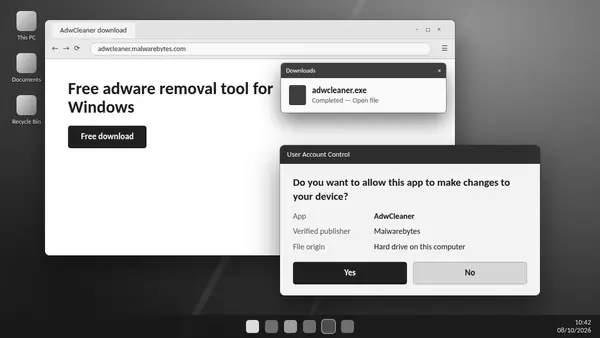
Malwarebytes publishes AdwCleaner as a standalone executable. Use the official publisher's download source, verify the digital signature and check the Windows permission prompt before granting access. The filename may include a version number; the publisher and source are more useful checks than the name alone.
Understand the scan results
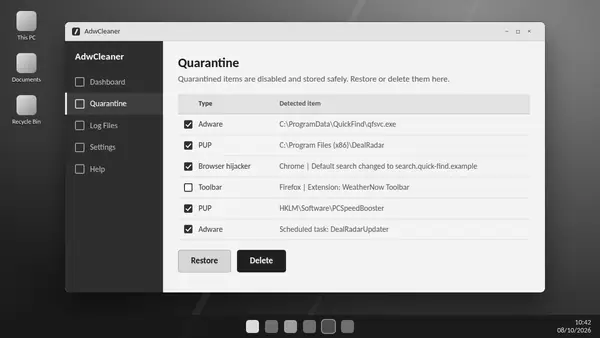
An ADW Cleaner scan identifies supported adware and potentially unwanted programs. Detection does not mean every listed item is something you want removed. Review names, locations and the software you use before choosing items for quarantine. Preinstalled applications may appear in a separate list.
Complete the clean-up
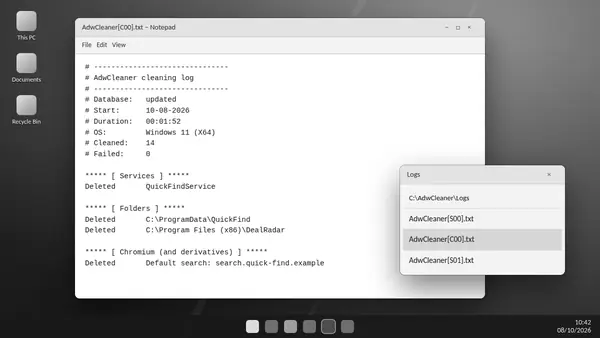
Quarantine disables selected detections and keeps recoverable items available for review. Save your work before allowing a requested restart. Afterwards, examine the cleaning report and test your usual applications and browser settings.
Leave optional repairs for a specific problem
Basic Repair changes network and browser configuration. Malwarebytes recommends skipping it unless a support agent has requested it. A routine adware scan does not require every repair option.
Know when to scan again
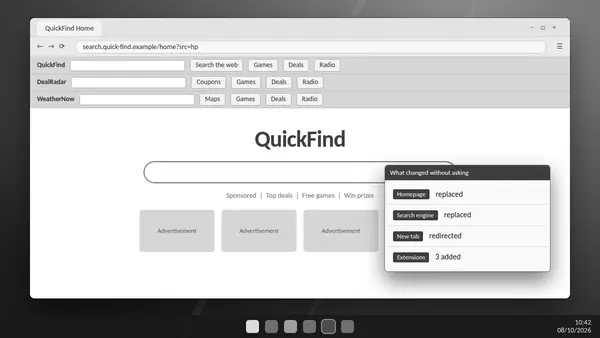
A changed homepage, unexpected toolbars or recurring advertising may justify another scan. ADW Cleaner runs on demand and supplies no continuous protection. Keep your regular antivirus active and obtain current releases from Malwarebytes.