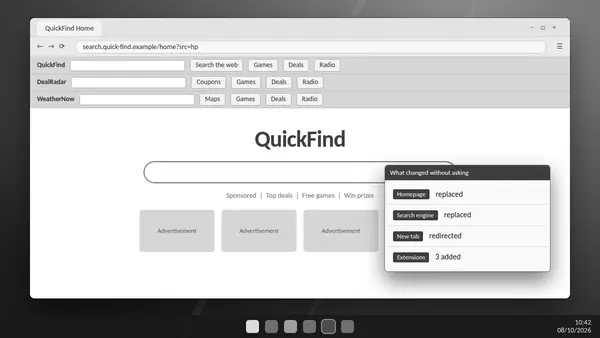
ADW Cleaner is a Malwarebytes utility for removing recognised adware and unwanted software. Its safety depends on the source of the executable and the decisions you make during cleaning; no system-changing utility is completely risk-free.
Start with the official source
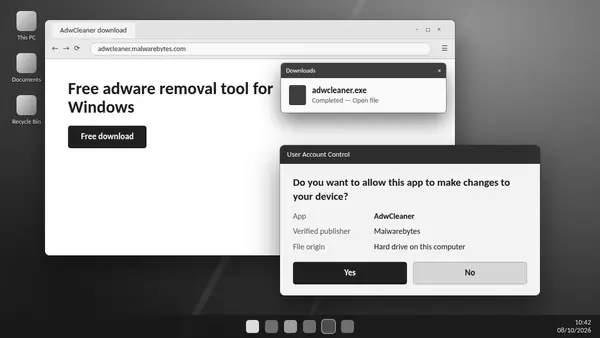
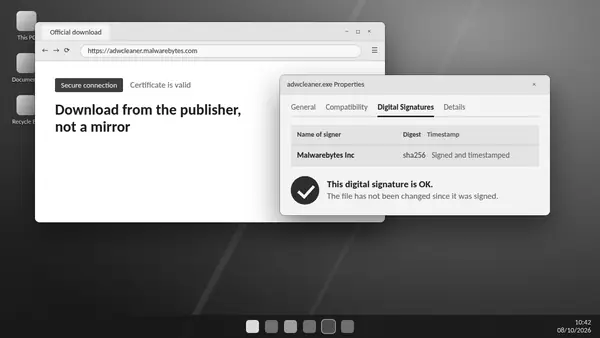
Use Malwarebytes for the ADW Cleaner download. Avoid look-alike pages, bundled installers and offers that require payment to unlock this free utility. This website provides independent information and links to the publisher rather than hosting a modified copy.
Check the publisher
Inspect the executable's digital signature in Windows file properties and verify that the signature is valid and identifies Malwarebytes. If the signature is missing or cannot be verified, obtain a fresh copy from the publisher before running it.
Review what will change
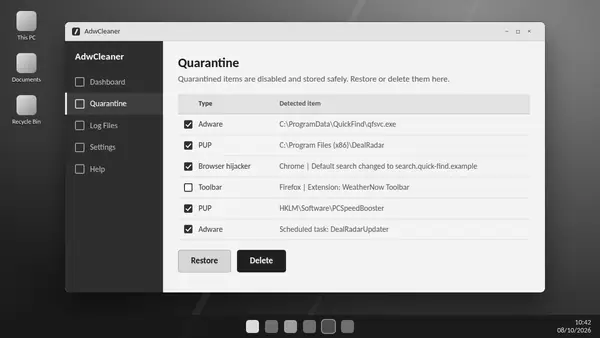
A scan and a clean-up are different actions. Read detection names and locations before approving quarantine, especially for applications you use. The utility needs elevated access for supported system changes, so an administrator prompt is expected.
Understand recovery limits
Supported quarantined items can be restored while their recovery data remains available. Permanent deletion or removal of quarantine data removes that option. Keep reports and test important applications after cleaning.
Use repairs only when appropriate
Basic Repair can reset legitimate network or browser settings. Malwarebytes recommends skipping it unless a support agent asks for it. A cautious review is more useful than enabling every available option.
Respond to unexpected warnings
Do not assume another scanner's alert is harmless. Verify the source and signature, obtain a fresh official copy and ask the publisher about an unresolved detection. Review the utility's statistics and diagnostic settings if you want to understand its data options.